
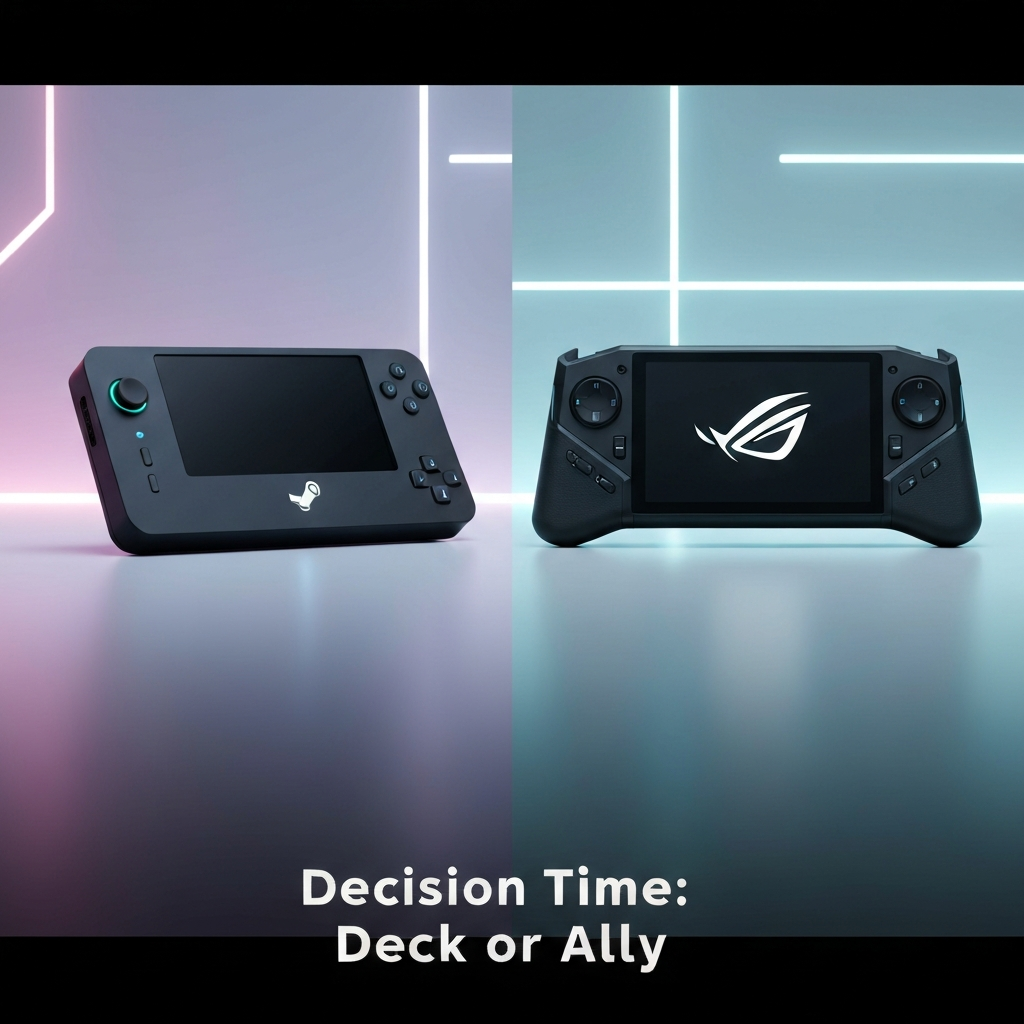
Choosing between the Steam Deck OLED and the Asus ROG Ally is one of the toughest decisions in PC gaming today. On the surface, it's a battle of specs, screens, and raw power. But the real choice goes much deeper. This isn't just about hardware; it's about choosing an entire ecosystem, a user experience philosophy, and deciding how much you want to 'tinker' versus how much you just want to play. While other reviews focus on benchmarks, we're focusing on the long-term ownership experience. Our winning angle is simple: to serve as your ultimate decision-making guide by analyzing which device truly aligns with your gaming library, technical comfort level, and lifestyle. We'll dissect the hidden benefits and costs of each operating system and help you understand the 'tinker-factor' commitment required, so you can make a choice you'll be happy with for years to come.
User Experience & Ecosystem Deep Dive
The most significant difference between the Steam Deck and ROG Ally isn't the processor or the screen—it's the software. This is the heart of the user experience and will define your day-to-day interaction with the device.
| Feature | Steam Deck OLED | ROG Ally |
|---|---|---|
| Operating System | SteamOS (Linux). A streamlined, console-like experience focused purely on gaming. | Windows 11. A full-fledged PC experience offering maximum flexibility but also complexity. |
| Game Library Access | Primarily Steam. Non-Steam games (Epic, GOG) require workarounds. Some anti-cheat games are incompatible. | Universal. Natively runs all PC game launchers including Steam, Epic, Ubisoft Connect, and Xbox Game Pass. |
| Ideal User | The "Plug & Play" gamer who wants a simple, curated experience without troubleshooting. | The "Tinkerer" who wants access to their entire PC library and doesn't mind managing a Windows environment. |
Performance, Display & Battery Nuances
While software is the main story, the hardware differences play a crucial role in the moment-to-moment gameplay experience.
| Hardware Aspect | Steam Deck OLED | ROG Ally |
|---|---|---|
| Display | 7.4-inch 90Hz HDR OLED. Superior contrast, colors, and black levels. | 7-inch 120Hz VRR LCD. Higher refresh rate and variable refresh rate support, but lower visual fidelity. |
| Performance | Custom AMD APU. Highly efficient and optimized for its 800p screen and OS. | AMD Z1 Extreme APU. More raw power, capable of higher frame rates, especially when plugged in. |
| Battery Life | Generally longer and more predictable due to a larger battery and efficient OLED screen. | Shorter, especially in high-performance modes. Can be under 1 hour for demanding AAA games. |
Value, Longevity & Specific Use Cases
Finally, let's determine which device is the right long-term investment for your specific needs.
| Consideration | Steam Deck OLED | ROG Ally |
|---|---|---|
| Xbox Game Pass | Accessible only via cloud streaming, requiring a stable internet connection. | Native support via the Windows Xbox app. The definitive choice for Game Pass subscribers. |
| Unique Features | Dual trackpads are excellent for strategy games and mouse-driven menus. | Supports eGPUs, allowing it to be docked and connected to an external graphics card for desktop-level power. |
| Long-Term Support | Backed by Valve with continuous updates to SteamOS and Proton, ensuring ongoing improvements. | Relies on Asus and Microsoft for updates. Windows flexibility ensures future game compatibility. |
For a comprehensive look at how these devices fit into the broader gaming landscape, check out our latest gaming consoles buyer's guide for more comparisons.
Frequently Asked Questions
Is the Steam Deck OLED or ROG Ally better for beginners?
For a true beginner who wants a simple, plug-and-play, console-like experience, the Steam Deck OLED is the better choice. Its SteamOS interface is streamlined for gaming and requires far less technical management than the full Windows 11 desktop on the ROG Ally.
Which handheld is definitively better for Xbox Game Pass?
The Asus ROG Ally is definitively better for Xbox Game Pass. It runs Windows 11, allowing you to install the Xbox app and play games natively, just like on a PC. The Steam Deck can only access Game Pass through cloud streaming, which requires a strong internet connection and offers a less consistent experience.
What is the real-world battery life of the ROG Ally on AAA games?
When playing demanding AAA games in its high-performance 'Turbo' mode, the ROG Ally's battery can last as little as 50-70 minutes. In lower-power modes (10-15W), you can extend this to around 1.5-2 hours, but with a noticeable drop in performance.
Can the Steam Deck play games that aren't on Steam?
Yes, but it often requires some technical work. Using tools like Lutris or Heroic Games Launcher, you can install games from other storefronts like the Epic Games Store or GOG. However, compatibility isn't guaranteed, and it requires a willingness to 'tinker' with settings, unlike the ROG Ally where they install natively.