
🔑 Key Takeaway
Self-hosted AI refers to running artificial intelligence models and applications on your own private hardware, giving you complete control over data, customization, and costs. This approach allows you to gain full data privacy by keeping sensitive information on your own servers, customize AI models and agents for specific, unique tasks, and potentially lower long-term costs by avoiding recurring cloud service fees. Read on for a complete guide to setting up your own AI agent.
Running artificial intelligence on your own terms is rapidly shifting from a niche hobby to a practical necessity. At its core, self-hosted ai involves operating AI models and applications on your own private servers or personal computers. This move gives users complete control over their data and AI tools, steering away from a deep reliance on major tech corporations. In 2026, the growing importance of data privacy and the need for bespoke tool customization make this topic more relevant than ever. This guide will cover everything from the foundational concepts to a practical, hands-on setup of a new AI agent.
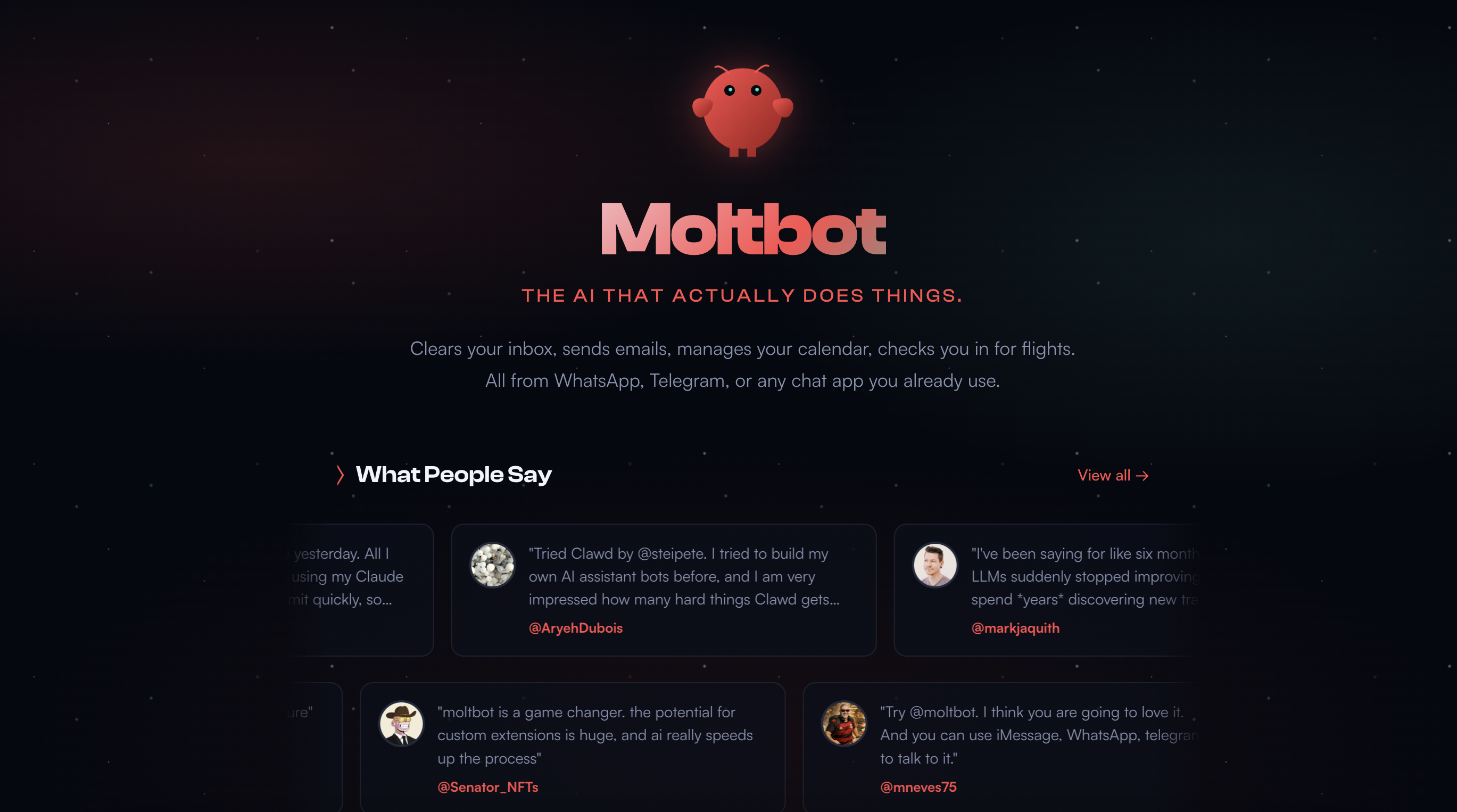
An AI agent is a step beyond a simple model; it’s an autonomous entity that can perform tasks and make decisions. Throughout this article, we will explore the top tools in the ecosystem, weigh the benefits against the drawbacks, and provide a clear path to getting started. To demonstrate our practical expertise, a central part of this guide is a hands-on review of the new Moltbot agent, showing you how to put these concepts into action.
ℹ️ Transparency
This article explores self-hosted AI based on technical documentation and hands-on testing. Our goal is to inform you accurately and independently. All information is based on verified sources and reviewed by our internal experts.
What is a Self-Hosted AI Agent vs. a Cloud AI?
A self-hosted AI agent is an autonomous program running on your local hardware that can perform tasks, while a cloud AI is a service you access over the internet, managed by a third party. The core difference between them lies in control and data location. To understand this better, it’s helpful to know the difference between an AI model and an AI agent. An AI model can be seen as the “brain” that processes information and generates outputs, whereas an intelligent agent in ai is the “body” that uses the model to perceive its environment and take action. To make the differences clear, let’s compare them directly.
| Feature | Self-Hosted AI | Cloud AI |
|---|---|---|
| Data Privacy | Full Control | Vendor Controlled |
| Cost Model | Upfront Hardware Cost | Subscription Fee |
| Customization | High | Limited to API |
| Maintenance | User Responsibility | Vendor Responsibility |
Key Benefits: Privacy, Cost, and Customization
The primary privacy benefit of a self-hosted setup is that sensitive data remains on-premises and is never transmitted to a third-party vendor. On the cost front, there is a trade-off between the initial hardware investment and potentially lower long-term operational expenses compared to the recurring subscription fees of cloud APIs. Furthermore, self-hosting offers deep customization; users can fine-tune models, modify agent behavior, and integrate with any local software without the limitations imposed by a vendor’s API.
Key Drawbacks: Technical Skill and Hardware Costs
Embarking on a self-hosted journey requires a degree of technical knowledge. Users should be comfortable with tools like the command line and Docker to set up and maintain the system effectively. There is also a significant initial investment in GPUs and RAM, which are necessary to run powerful AI models efficiently. Finally, the user bears the ongoing responsibility for all system updates, security patches, and troubleshooting, which can be a considerable time commitment.
How to Set Up Your First AI Agent: A Moltbot Walkthrough
Step 1: Hardware & Software Prerequisites (Docker, etc.)
Before you can build an AI agent, you need to lay the proper foundation with both hardware and software. For hardware, the components you choose will directly impact performance. To run a model like Llama 3 8B effectively, community members on the official GitHub repository note that you may need around 9GB of RAM plus your GPU’s VRAM. Other industry sources suggest that for a quantized Llama 3.1 8B model, a minimum of 12GB of VRAM and 16GB of system RAM is a good starting point. For optimal performance, a specialized tech blog recommends a powerful CPU, at least 64GB of RAM, and a GPU with 48GB+ of VRAM. On the software side, you will need to explain the need for Docker for containerization, which simplifies dependency management, along with Python for scripting and Git for version control.
Step 2: Installing and Configuring Moltbot
Getting Moltbot running begins with cloning its repository from GitHub. Open your terminal and use the git clone command followed by the repository’s URL. Once downloaded, navigate into the Moltbot directory. Here, you will find a configuration file, often named config.yaml or similar. This file is the control center for your agent. You’ll need to edit it to specify key settings, such as pointing the agent to the location of your locally hosted AI model and defining its permissions.
Step 3: Connecting Your First AI Model (e.g., Llama 3)
To give your agent a “brain,” you need to connect it to one of the available self hosted ai models. A popular and user-friendly tool for this is Ollama, which streamlines the process of downloading and serving open-source models like Llama 3 on your local machine. After installing Ollama, you can pull the Llama 3 model with a simple command. Next, return to your Moltbot configuration file and set the model endpoint to the local address provided by Ollama. To ensure everything is working correctly, you can run a test command specified in the Moltbot documentation to send a simple prompt and verify you receive a response from the model.
Step 4: A Practical Example: Building a self hosted ai chatbot
With your agent connected to a model, you can now build your first simple project: a self hosted ai chatbot. This can be achieved by providing Moltbot with a specific prompt or configuration that instructs it to act as a conversational assistant. For instance, you could task it with answering questions based on the contents of a local document. You would configure the agent to access the document, and then you could ask it questions via a command-line interface. The agent would read the file, process your query using the Llama 3 model, and generate an informed answer.
Top Self-Hosted AI Tools & Platforms for 2026
While Moltbot is a capable new agent, the broader ecosystem contains a variety of tools designed for different needs. The right ai agent platform for you will depend on your technical skill and what you want to achieve. We’ll compare some of the leading options based on what they are best for, their ease of use, and their key features.
Moltbot (For Autonomous Agents)
Moltbot is designed with a focus on creating autonomous agents that can understand and execute complex, multi-step tasks. It is well-suited for users who want to build agents that can interact with files, browse the web, and perform actions with a high degree of independence.
Ollama + Open WebUI (For Model Interaction)
This combination is often considered one of the most accessible entry points into the world of local AI. Ollama simplifies downloading and running various open-source models, while Open WebUI provides a clean, user-friendly chat interface, making it easy to interact with and test different models.
n8n (For Workflow Automation)
Positioned as a self-hosted alternative to services like Zapier, n8n excels at workflow automation. It is an effective choice for connecting different applications and services, allowing you to embed AI-powered logic into your automated processes without extensive coding.
ComfyUI (For self hosted ai image generator workflows)
ComfyUI is often well-suited for advanced users focused on AI image generation. It uses a node-based interface that allows for the creation of intricate and highly customized workflows with Stable Diffusion models. This tool provides granular control over every step of the image generation process.
FAQ – Your Questions Answered
what is an ai agent?
An AI agent is an autonomous program that can perceive its environment, make decisions, and take actions to achieve specific goals. Unlike an AI model, which simply processes data and generates an output, an agent can execute multi-step tasks independently. For example, an agent could be instructed to research a topic, write a summary, and email it to you. Performance can vary based on the complexity of the task.
what are ai agent?
AI agents are software entities designed to perform tasks autonomously on behalf of a user. They come in many forms, from simple rule-based bots to complex systems powered by large language models. Examples of AI agents include personal assistants that manage your calendar, systems that monitor data for anomalies, or autonomous programs that can write and debug code. The effectiveness of an AI agent often depends on the sophistication of its underlying model and programming.
how to build an ai agent?
Building a basic AI agent involves defining a goal, choosing an AI model (like Llama 3), and using an ai agent framework (like LangChain or Moltbot) to connect the model to tools and actions. The process typically includes setting up your hardware, installing software like Docker and Python, configuring the agent’s permissions, and writing prompts that guide its decision-making process. For complex tasks, significant programming and testing are often required.
what is the best self-hosted ai?
The “best” self-hosted AI depends entirely on your specific goal. For interacting with different models, Ollama with Open WebUI is a great starting point. For creating autonomous agents to perform tasks, tools like Moltbot are emerging as powerful options. For workflow automation, n8n is a leading choice. It may be best to identify your primary use case first, then select the tool that best fits that need.
Limitations, Alternatives, and Professional Guidance
Research Limitations
It is important to acknowledge that autonomous agents are still an emerging technology with some known reliability issues. Their performance can be unpredictable, and they are prone to specific failure points. One 2025 pre-print study on arXiv found an “approximately 50% task completion rate” across three open-source agent frameworks and identified common issues like planning errors and execution issues. Other research, including a meta-analysis on OpenReview, noted significant performance drops in dynamic or adversarial settings. A report from Weights & Biases highlights that unpredictable reasoning from the underlying language model can lead to errors, suggesting that safety measures like guardrails and audits are important.
Alternative Approaches
For those not ready for a fully self-hosted solution, there are simpler, more managed alternatives. Cloud-based AI services, such as OpenAI’s GPT series, offer powerful models via an API, which eliminates the need for hardware setup. However, this convenience comes with data privacy trade-offs and recurring operational costs. For many business tasks, a dedicated workflow automation tool like the self-hosted n8n or a cloud service like Zapier may be a more reliable and efficient solution than a fully autonomous agent, as they are specifically designed for structured, repeatable processes.
Professional Consultation
For business-critical applications or setups requiring complex security configurations, seeking professional help is often a prudent step. Businesses should consider consulting with an IT or AI specialist to properly assess hardware requirements, understand the security implications of hosting local models, and calculate the potential return on investment. An expert can help determine if a self-hosted strategy aligns with the organization’s technical capabilities and long-term goals before a significant commitment is made.
Conclusion
In summary, self-hosted ai offers a powerful path toward data sovereignty and customized AI solutions. It empowers users with complete control over their data and the ability to tailor AI agents to their exact needs, reinforcing the core benefits of privacy and customization. While the technology is still developing and requires a certain level of technical skill to implement, the trend toward personalized and private AI is becoming increasingly clear.
The Tech ABC is committed to being a trusted resource for navigating the complexities of modern technology. The practical, hands-on nature of this guide reflects our mission to provide clear and actionable insights. The world of AI is constantly evolving, and we encourage our readers to stay curious and informed. To continue learning about the latest in AI and technology, explore more of our guides.
References
- Exploring Autonomous Agents: A Closer Look at Why They Fail (arXiv): https://arxiv.org/html/2508.13143v1
- Multi-AI Agents Meta-Analysis for Autonomous Self-Improvement (OpenReview): https://openreview.net/pdf?id=M3EvRA0gU4
- Autonomous AI Agents: Capabilities, challenges, and future trends (Weights & Biases): https://wandb.ai/byyoung3/Generative-AI/reports/Autonomous-AI-Agents-Capabilities-challenges-and-future-trends–VmlldzoxMTU1OTkzOA
- GitHub – meta-llama/llama3/issues/102: https://github.com/meta-llama/llama3/issues/102
- Llama AI Model – Meta Llama AI Requirements: https://llamaimodel.com/requirements/
- ProXPC – GPU Hardware Requirement Guide for Llama 3: https://www.proxpc.com/blogs/gpu-hardware-requirement-guide-for-llama-3-in-2025